



First Steps
Creating Your First AI Agent
Bring your first AI agent to life in minutes — no coding, no guesswork. The NextGen AI Portal gives you all the tools to design, customize, and deploy powerful voice or chat agents that fit your exact business needs.
Building your first AI agent is simple. Whether you start from one of our pre-built templates or upload your own script, the NextGen AI Portal makes configuration intuitive and fast. You can fine-tune every detail — from the tone and personality to the voice and intelligence model — and preview it all in real time before going live.
How It Works
- Start from a Template
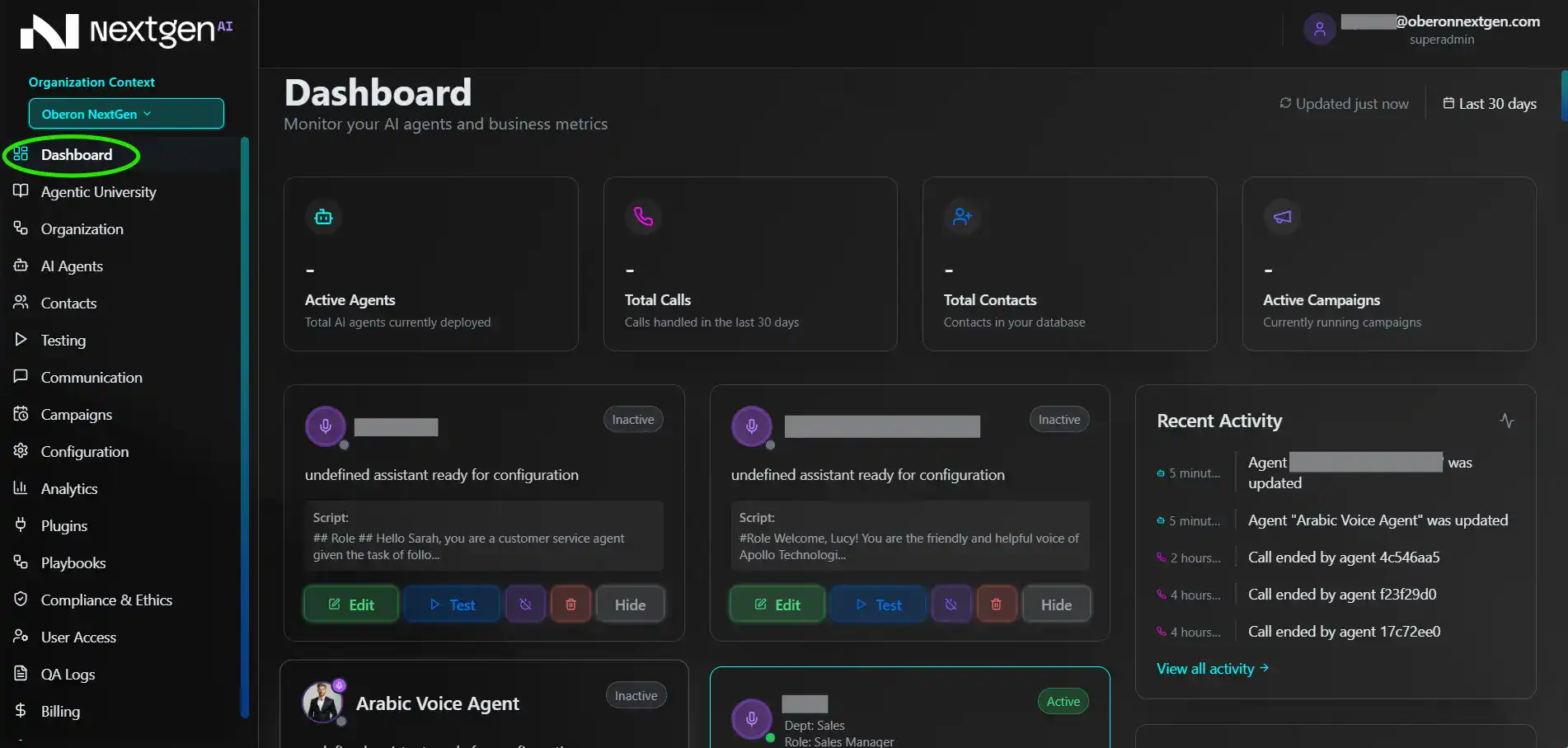
Opening up your dashboard for the first time, you can choose from our library of proven agent templates — sales, customer support, appointment scheduling, follow-ups and more. Each is pre-configured with conversation logic you can customize.
- Choose your agent channel
Select whether your agent will operate as voice-based or text-based.
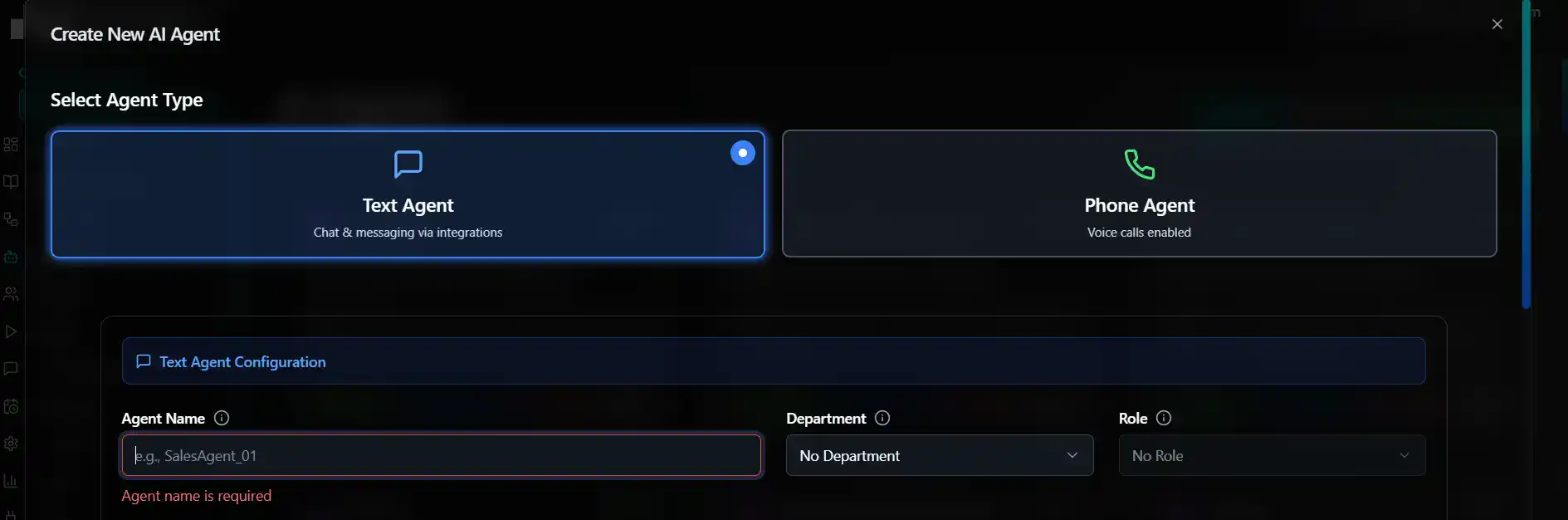
Voice agents connect to calls, IVR systems, or voice-enabled interfaces – ideal for outbound sales, fundraising, support or concierge services.
Text agents live on web chat, WhatsApp, email, or internal messaging – perfect for lead qualification, automation, or customer support. Once selected, the portal tailors your configuration options for that specific channel.
- Upload or Write Your Script
Use your existing script or create a new one directly inside the portal. You can edit and refine the conversation structure in real-time – each update is instantly testable, so you can hear or read exactly how your agent will respond.
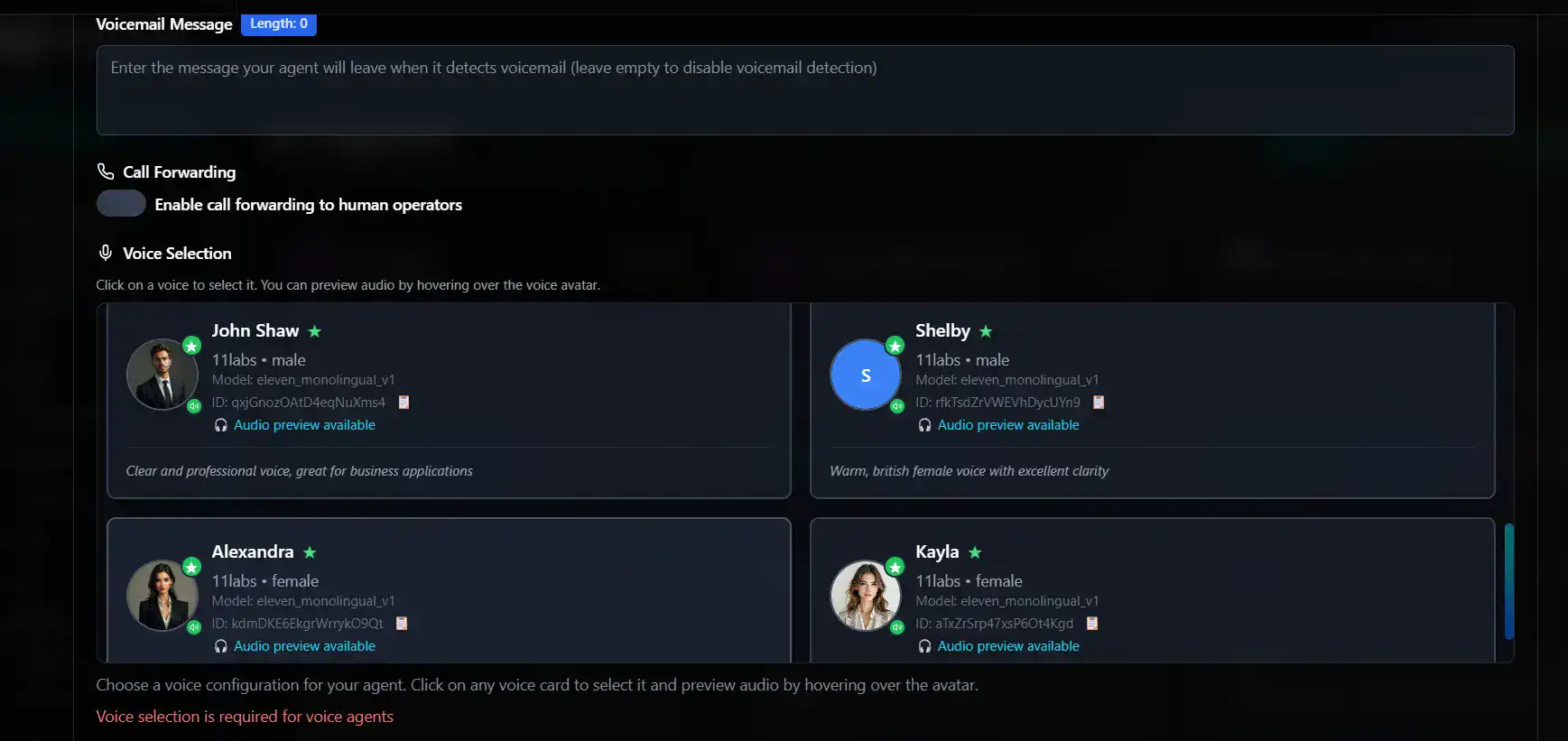
- Select the Perfect Voice
Choose the personality and tone that best represents your brand. From calm and professional to warm and conversational you can fine-tune voice, pitch, pacing and style – with instant previews as you adjust
- Pick Your Model
The NextGen AI Portal is model-agnostic. Select from a variety of Large Language Models (LLM) and specialized options optimized for different use cases — whether you need speed, creativity, or precision.
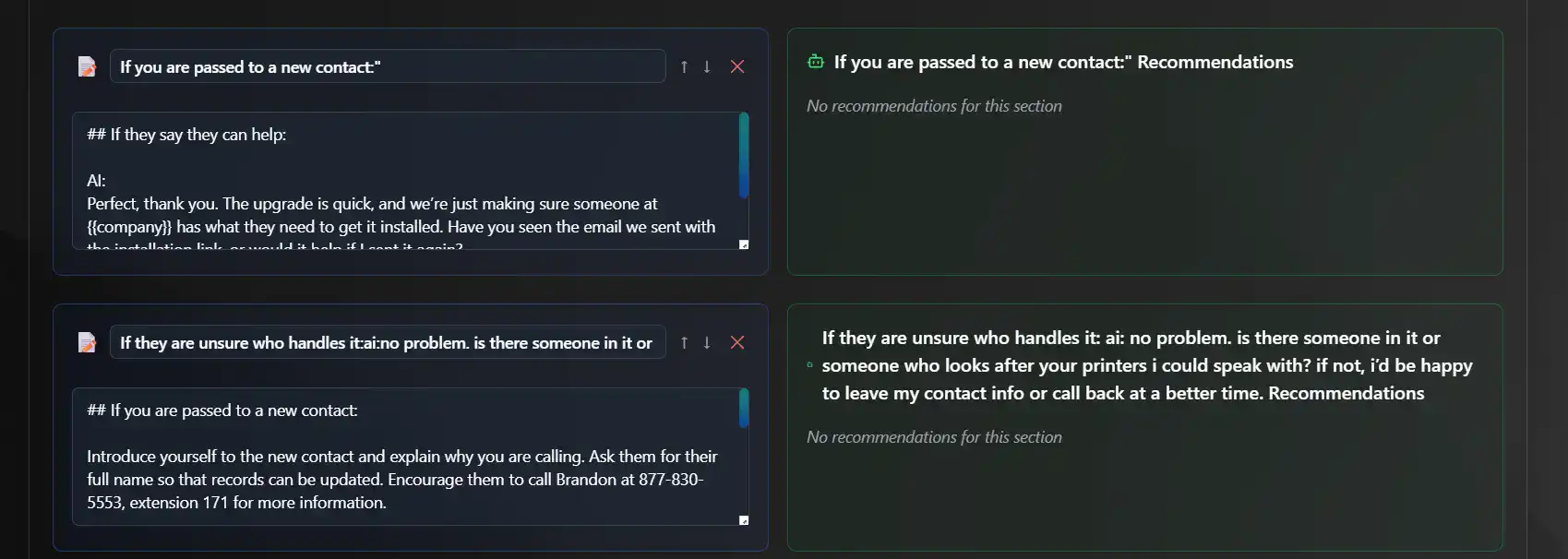
- Add Your Data
Feed your agent the knowledge it needs. In the integrated NextGen University, simply drag and drop files, documents, or reference materials – from manuals and policies to product catalogs or internal guides, Your agent instantly understands and applies this information in context.
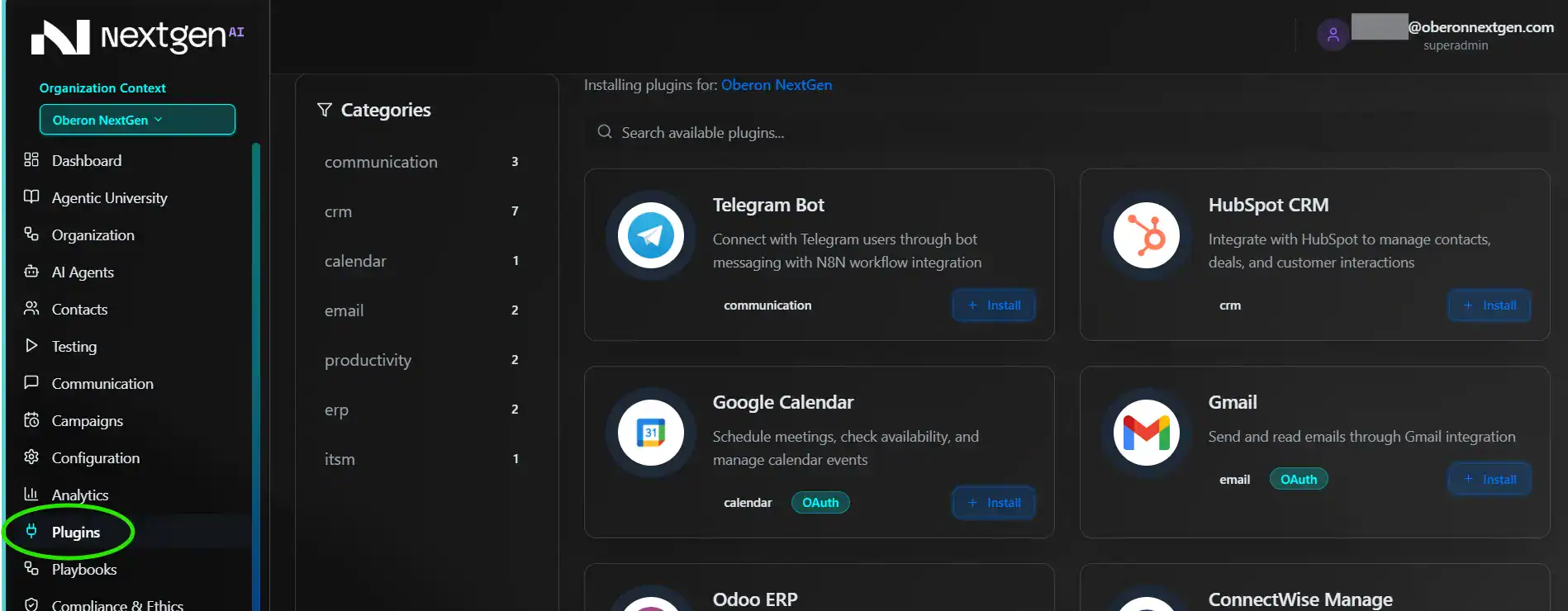
- Integrate 3rd party applications
Once your agent’s first draft is ready, you can connect it to external tools through our Plugins Marketplace. From CRMs and ERP systems to SaaS platforms and automation tools, you’ll find everything your agent needs to operate within your existing ecosystem. Each integration is automatically aligned with the business logic you’ve assigned, ensuring your AI interacts seamlessly with real data and workflows.
- Enable Reporting & Escalation
Give your agent the power to communicate like a team member.
- Automated Reporting: Configure your agent to send daily summaries or performance updates directly to your email, Slack, or CRM — complete with transcripts, key metrics, and conversation insights.
- Intelligent Escalation: When a situation requires human assistance, your agent can seamlessly forward the call or chat to a live representative — mid-conversation and with full context transfer, ensuring no customer repetition or lost information.
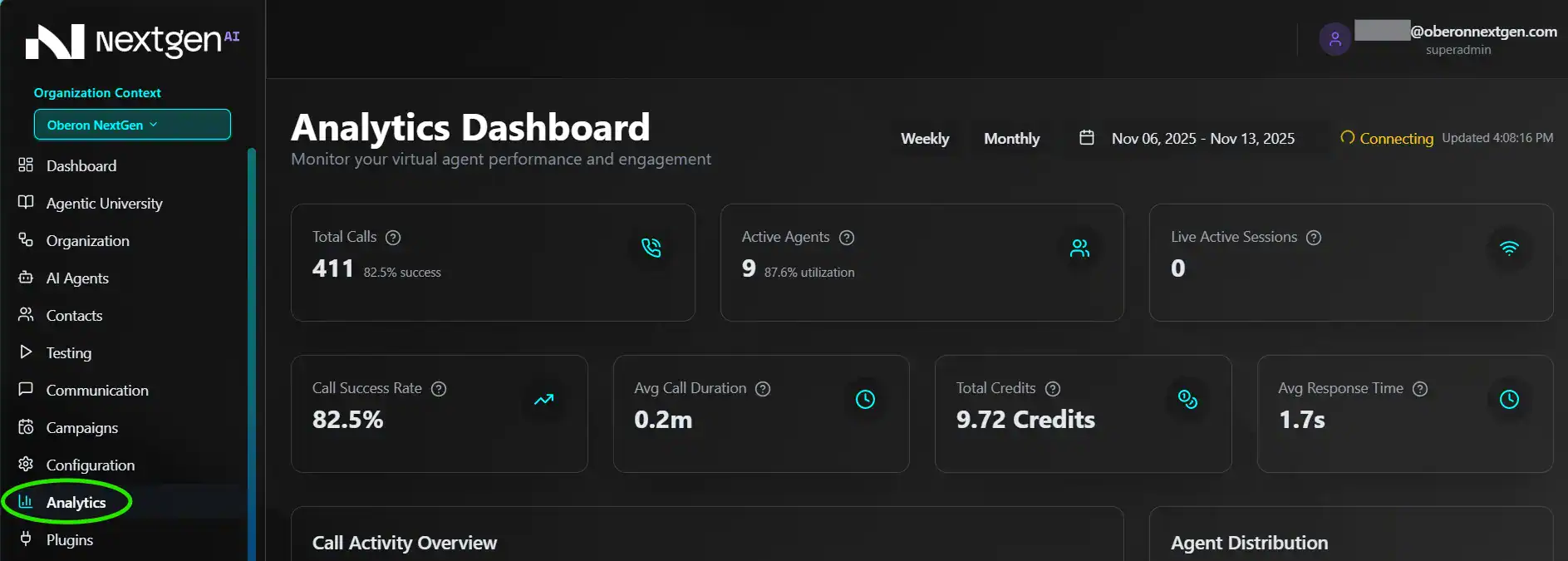
- Test and Review
Run simulations, analyze transcripts, and review responses directly from your dashboard. You can listen to live test calls or read full text interactions. Refine tone, logic, and accuracy until your agent performs exactly the way you envision.
Your Command Center
Every agent you create lives in your unified NextGen AI Portal, where you can monitor conversations, access transcripts, and make updates in real time. With a few clicks, you can deploy your agent to voice, chat, or omnichannel environments.
Have any Questions?
Contact us at [email protected]